Sprint Cycle Chart in Excel for Agile data analysis
In Excel, sprint circle charts are not created by default using standard templates. However, Excel’s capabilities can be significantly extended through non-standard visualization approaches. The presented format combines a classic Agile chart with the concept of combined infographics. As a result, the dashboard user gains a new perspective on task execution dynamics, workload density, and time dependencies within an Agile sprint.
How the Chart Helps Analyze the Sprint Cycle in Excel
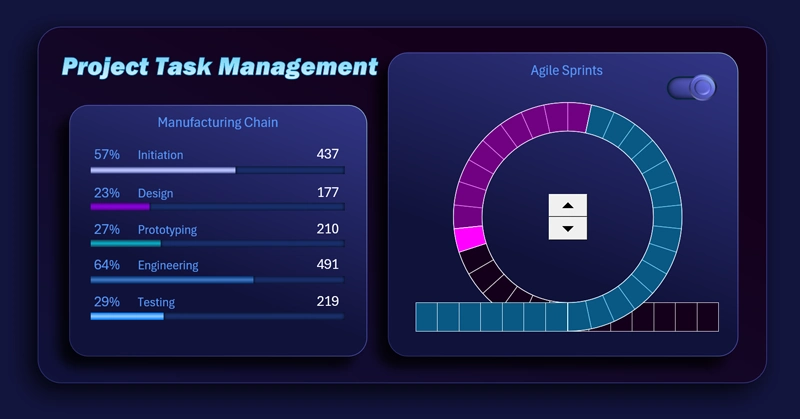
The sprint circle chart in Excel, where the project is presented on an Agile project management dashboard, visualizes the time cycle. Divisions along the circular scale correspond to individual story points, forming a clear picture of workload distribution. Different colors indicate periods before and after the acceleration zone.
The developers have provided the ability to switch between sprint circle formats:
- Mode – closed cycle.
- Mode – open contour.
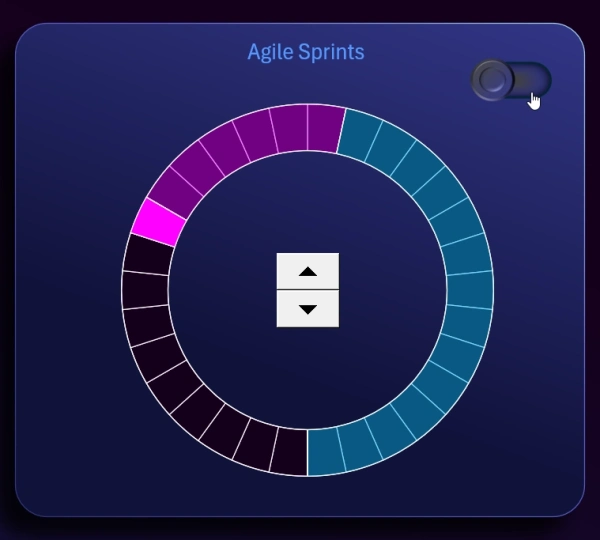
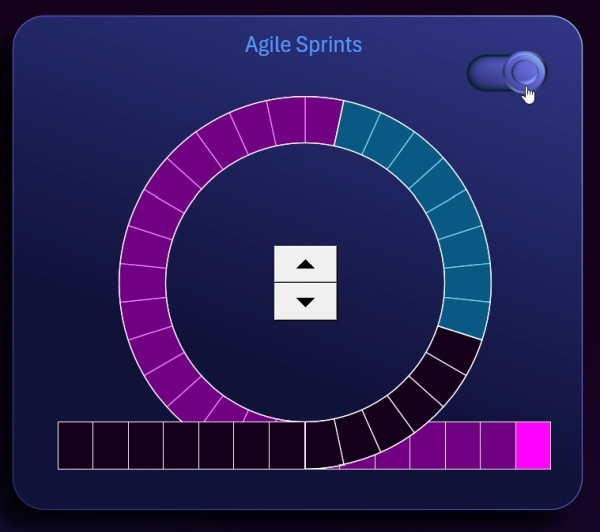
In open contour mode, additional divisions are added for entry and exit zones of the cycle.
On the left side, a horizontal bar chart is displayed to analyze the state of workflows at different stages of product development. The indicators on the left change depending on the current cursor position within the cycle on the chart on the right. They are interconnected.
Now take a look at how the sprint circle chart interacts with all charts on the main dashboard:
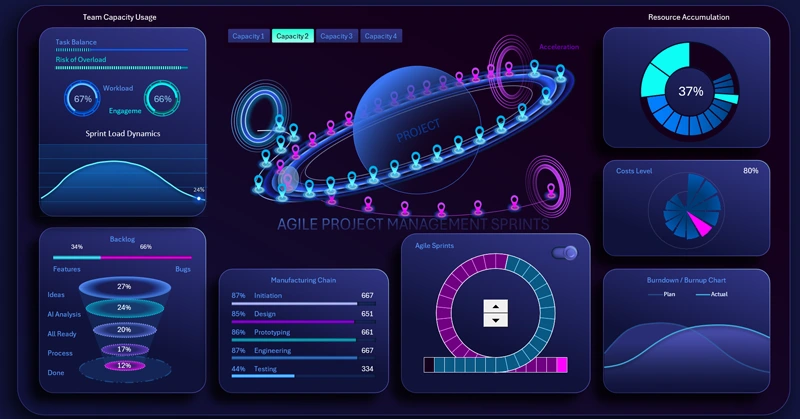
Agile project management dashboard in Excel with sprint circle chart
Integrating a classic sprint chart with a visual metaphor of planetary motion transforms a standard report into a powerful analytical tool. This approach allows you to:
- Gain deeper insight into cycle relationships and task structure.
- Identify team overload zones.
- Track dynamic changes in the development process.
Control elements such as a counter and cycle mode switch make the Excel dashboard interactive and flexible, enabling more precise control and interpretation of data in an Agile environment.
 Download the sprint circle chart template in Excel
Data Visualization Charts for Interactive Report Creation in Excel.
Dashboard Templates